

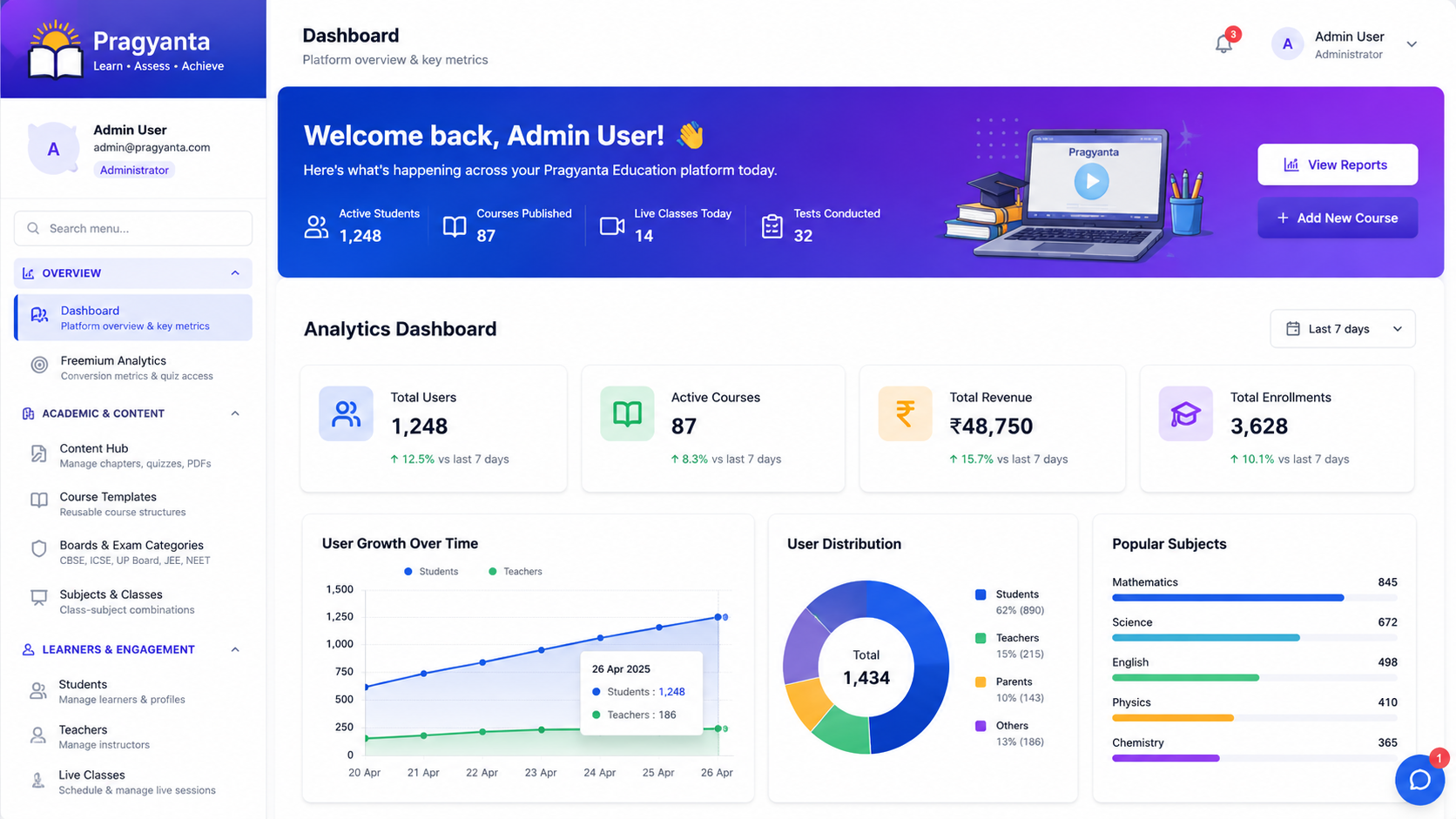
A student dashboard looks like the easy part of an LMS. Show the courses, show a progress bar, show what is due. Then it becomes the buggiest screen in the product — progress that lags a refresh behind, a completion badge that appears twice, a spinner that never stops. Almost always, one decision caused all of it.
The mistake: useState for data you do not own
This is the code nearly every LMS dashboard starts with:
function Dashboard({ learnerId }) {
  const [courses, setCourses] = useState([]);
  const [loading, setLoading] = useState(true);

  useEffect(() => {
    fetch(`/api/learners/${learnerId}/courses`)
      .then((r) => r.json())
      .then((data) => {
        setCourses(data);
        setLoading(false);
      });
  }, [learnerId]);

  if (loading) return <Spinner />;
  return <CourseList courses={courses} />;
}
It works in the demo. It has at least five bugs, and they are the ones you get paged about:
- No error handling at all. If the request fails,
setLoading(false)never runs and the learner watches a spinner forever. - A race condition. Change
learnerIdquickly and two requests are in flight; whichever resolves last wins, which may be the one you no longer want. Nothing cancels the first. - An unmount warning when the response lands after the user has navigated away.
- Every mount refetches. Tab away and back, and the dashboard hits the API again for data that has not changed.
- The data is a stale copy. Finish a module in another tab and this one keeps showing yesterday's progress.
You can fix each of these by hand — add an AbortController, a mounted flag, a catch, a cache. By the time you have, you will have written a worse version of a library that already exists.
The distinction that fixes it
The real error is conceptual. There are two kinds of state in a React app and they are not the same thing:
- Client state — which tab is open, is the drawer expanded, what is typed in the filter box. You own it. It is born and dies in the browser.
useStateis exactly right. - Server state — course progress, quiz scores, completion. You do not own it. It lives in Postgres, it is shared with other users and other tabs, and it can change while nobody is looking. Your component only ever holds a cached snapshot of it.
Once you say that out loud, "the progress bar is stale" stops being a bug to swat and becomes a caching question — which has known answers.
import { useQuery } from "@tanstack/react-query";

function useLearnerCourses(learnerId) {
  return useQuery({
    queryKey: ["learner", learnerId, "courses"],
    queryFn: async ({ signal }) => {
      const res = await fetch(`/api/learners/${learnerId}/courses`, { signal });
      if (!res.ok) throw new Error(`Failed to load courses: ${res.status}`);
      return res.json();
    },
    staleTime: 30_000,
  });
}

function Dashboard({ learnerId }) {
  const { data: courses, isPending, isError, error } = useLearnerCourses(learnerId);

  if (isPending) return <Spinner />;
  if (isError) return <ErrorPanel message={error.message} onRetry={...} />;
  return <CourseList courses={courses} />;
}
Every bug in the first version is now handled by the queryKey rather than by you. Cancellation comes from the passed signal. Deduplication, caching and refetch-on-focus come from the key. The error path is a first-class return value instead of an afterthought. And the component shrank.
The LMS-specific part
Learning platforms have a wrinkle most CRUD apps do not: progress is written by something that is not your React app. A SCORM course runs inside an iframe and reports completion through its own runtime; an AI tutor may mark a topic reviewed. Your dashboard is not the source of truth — it is one observer of a database that other systems write to.
Which means: when the SCORM player signals completion, do not patch the local array and hope it matches what the server stored. Invalidate the key and let the server say what is true.
const queryClient = useQueryClient();

// SCORM runtime signalled a commit — our cached snapshot is now suspect.
useEffect(() => {
  const onCommit = () =>
    queryClient.invalidateQueries({ queryKey: ["learner", learnerId, "courses"] });
  window.addEventListener("scorm:commit", onCommit);
  return () => window.removeEventListener("scorm:commit", onCommit);
}, [learnerId, queryClient]);
This is why the duplicate-badge bug happens, by the way. Two writers — your optimistic local update and the real SCORM commit — disagree, and the UI renders both. Having exactly one source of truth removes the entire class of bug rather than the instance of it.
Where we would stop
If a screen fetches one thing once and never changes, useEffect and a fetch are fine, and adding a data layer to a settings page is ceremony. The threshold is the second screen that needs the same data, or the first piece of data that something outside React can change. In an LMS you cross both almost immediately, which is why we reach for it early here and late elsewhere.
What this is under the hood
This is the front end of the same system as the SCORM attempt data model — the dashboard is only ever a view over those attempt rows, and it is exactly as trustworthy as the schema underneath it. That pairing is the work in student dashboard and admin panel development and custom LMS development.
Need a dashboard your learners and admins can actually trust? Book a free LMS consultation.
Sources & Further Reading:
Google Search Central Documentation ·
Moz SEO Blog ·
Search Engine Land
Turn this article into a practical action plan
If this topic affects your site, campaign, or LMS growth path, we can help translate it into changes that actually fit your current setup.
Discuss This TopicFollow the related journey
Use the article as one step, then move into the service, portfolio, or broader blog context around it.