
Most teams already have the raw material for good training — slides, PDFs, a few videos, and a spreadsheet tracking who completed what. The gap is not content; it is structure, delivery and reporting. Here is the process we actually follow when someone hands us a folder of training files and asks for a platform.
1. Define the learner journey before touching any software
Before any build work starts, we map who learns what, in what order, and how you will know they finished. That means naming the roles involved (learner, manager, admin), sketching the path through modules, and — the part teams most often skip — agreeing what "completed" actually means for your business. Watched to the end? Passed a quiz at 80%? Signed off by a manager? Get this wrong at the start and the reporting you build later won't answer the question anyone actually asks.
2. Structure the content into modules, not just files
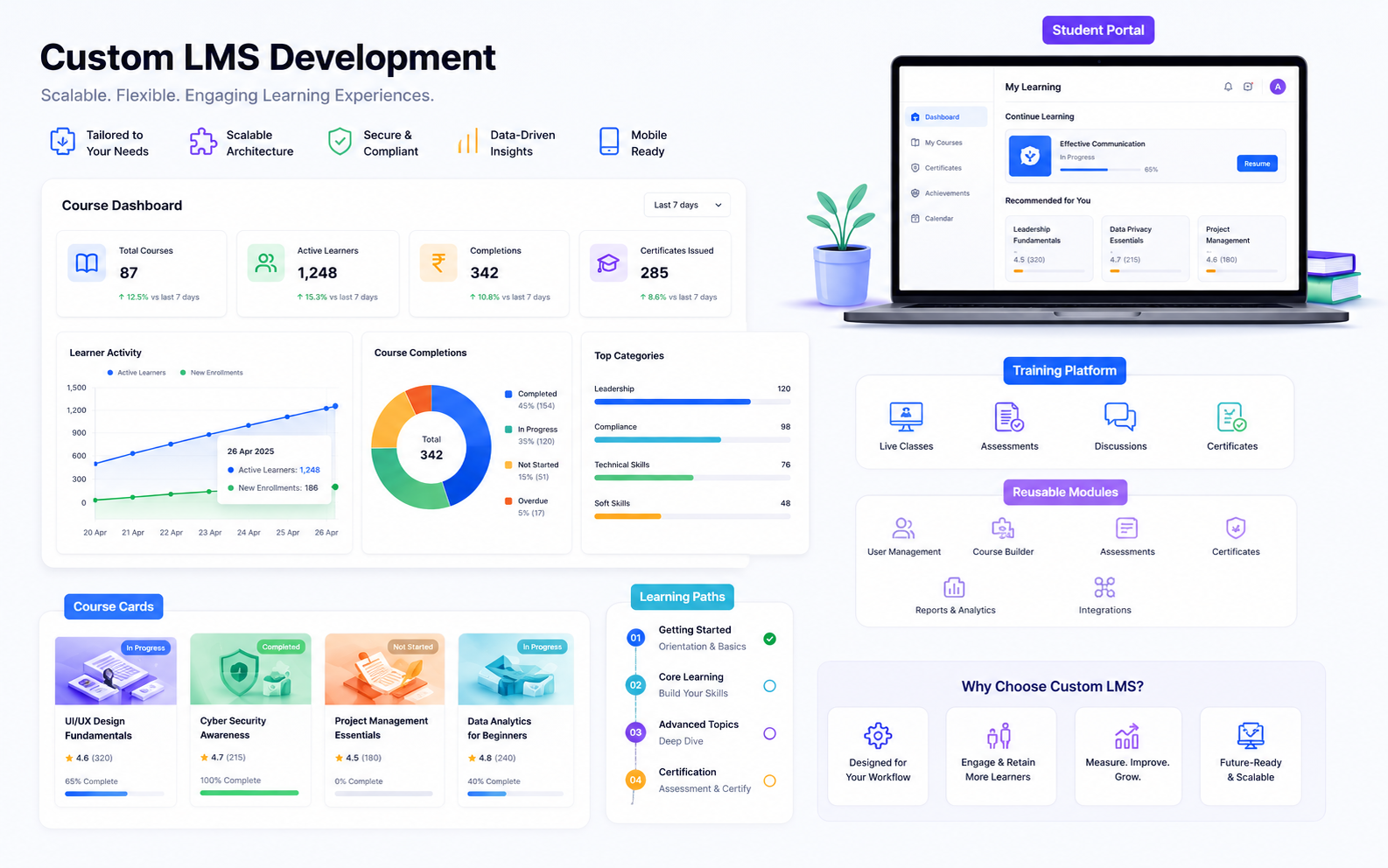
A folder of PDFs and MP4s becomes modules and lessons with a deliberate sequence — this is where a course stops being a file dump and starts being something a learner can be expected to finish. It's also where interactivity goes in: knowledge checks between sections rather than one quiz at the end, and H5P activities (interactive video, branching scenarios, drag-and-drop) so people engage with the material instead of clicking through it on autopilot.
3. Add tracking that actually reports back
The difference between a shared drive full of videos and an LMS is that the LMS knows what happened. We wire in SCORM or xAPI tracking depending on what you need to report — SCORM if completion, score and pass/fail cover it, xAPI if you need more granular statements or activity that happens outside the LMS itself — so progress, scores and completion status land in a dashboard instead of living in someone's memory or a manually updated spreadsheet.
4. Give each role the view it actually needs
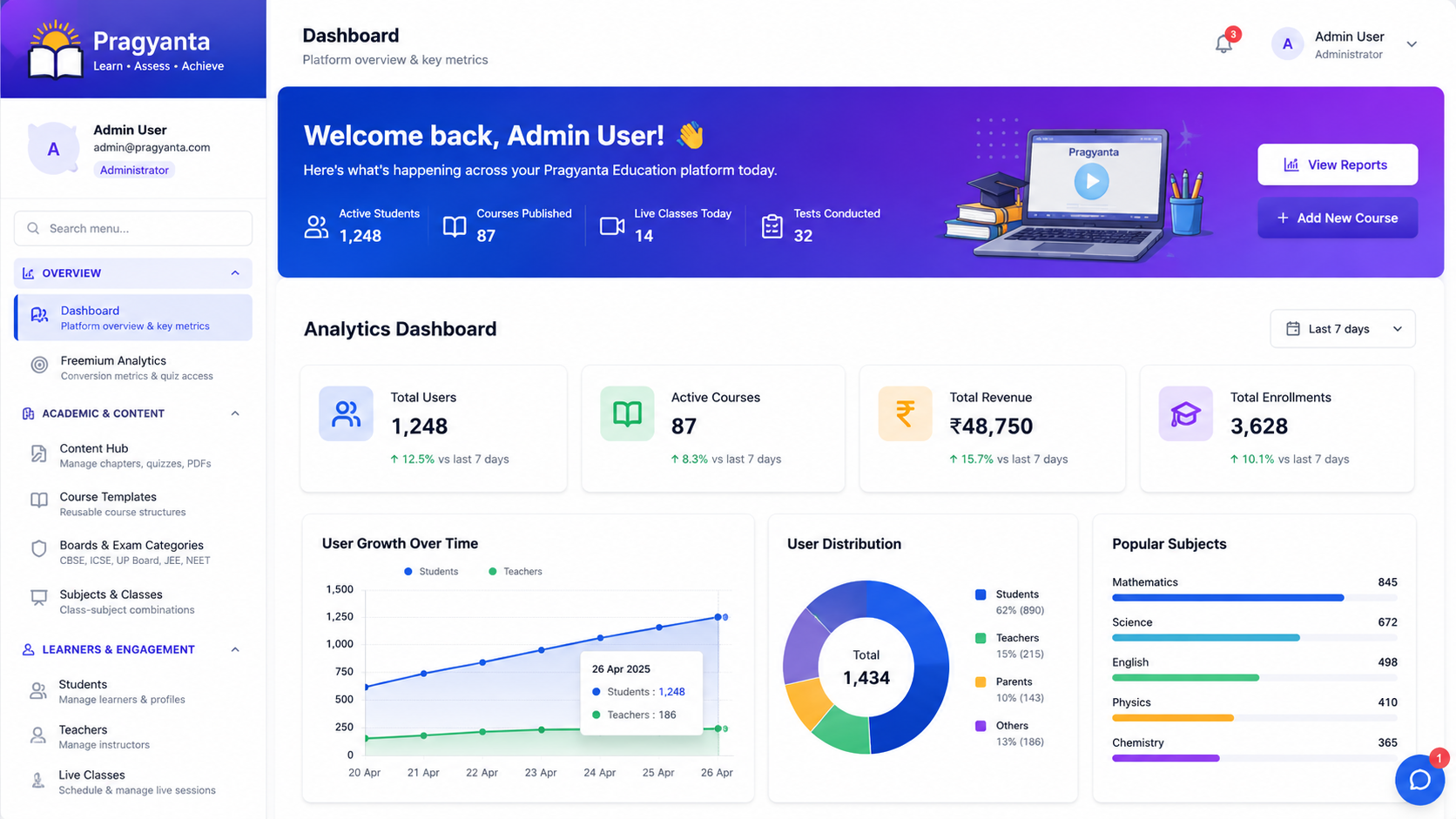
Learners need to know what to do next and how far they've got. Admins and managers need to see who's on track and who's stalled, across a whole cohort, without opening each learner's record one by one. That split is the dashboard and admin layer, and it's usually the part that turns a course into something an organisation can actually run and report on.
What this looks like end to end
This is exactly how we built Pragyanta, our own live platform — the same four steps, applied to real course content, with SCORM-style tracking and role-based dashboards running in production rather than as a proposal. If you have training content sitting in files right now and no clear picture of who's actually completing it, book a free LMS consultation and we'll map the fastest route from what you have to a platform that reports on itself.
Sources & Further Reading:
Google Search Central Documentation ·
Moz SEO Blog ·
Search Engine Land
Turn this article into a practical action plan
If this topic affects your site, campaign, or LMS growth path, we can help translate it into changes that actually fit your current setup.
Discuss This TopicFollow the related journey
Use the article as one step, then move into the service, portfolio, or broader blog context around it.