

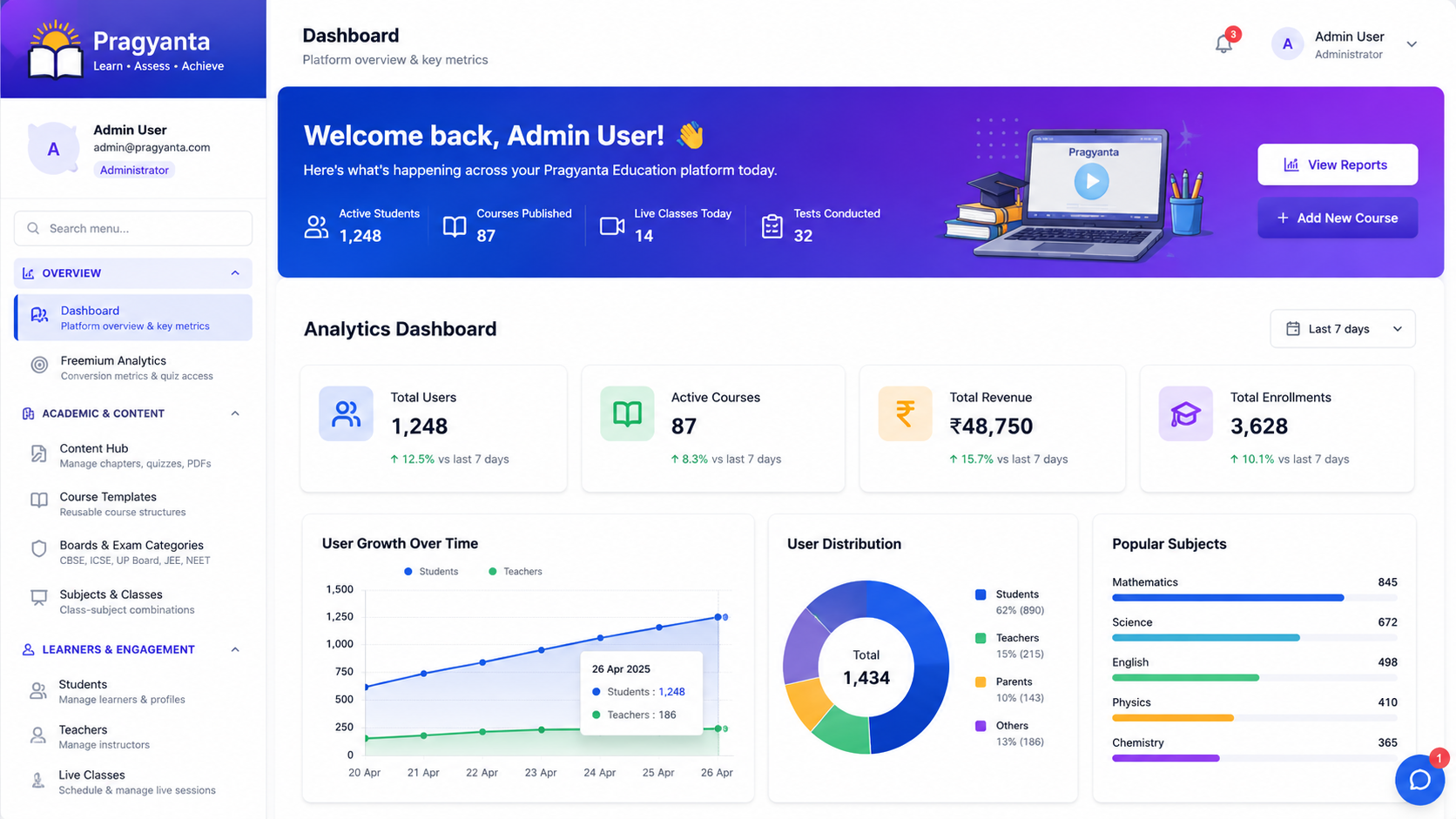
Enterprise ERP UI — Concept Demo
A self-built concept demo of an internal ERP-style dashboard — dense tables, multi-module navigation and permission-aware views — not a client project.
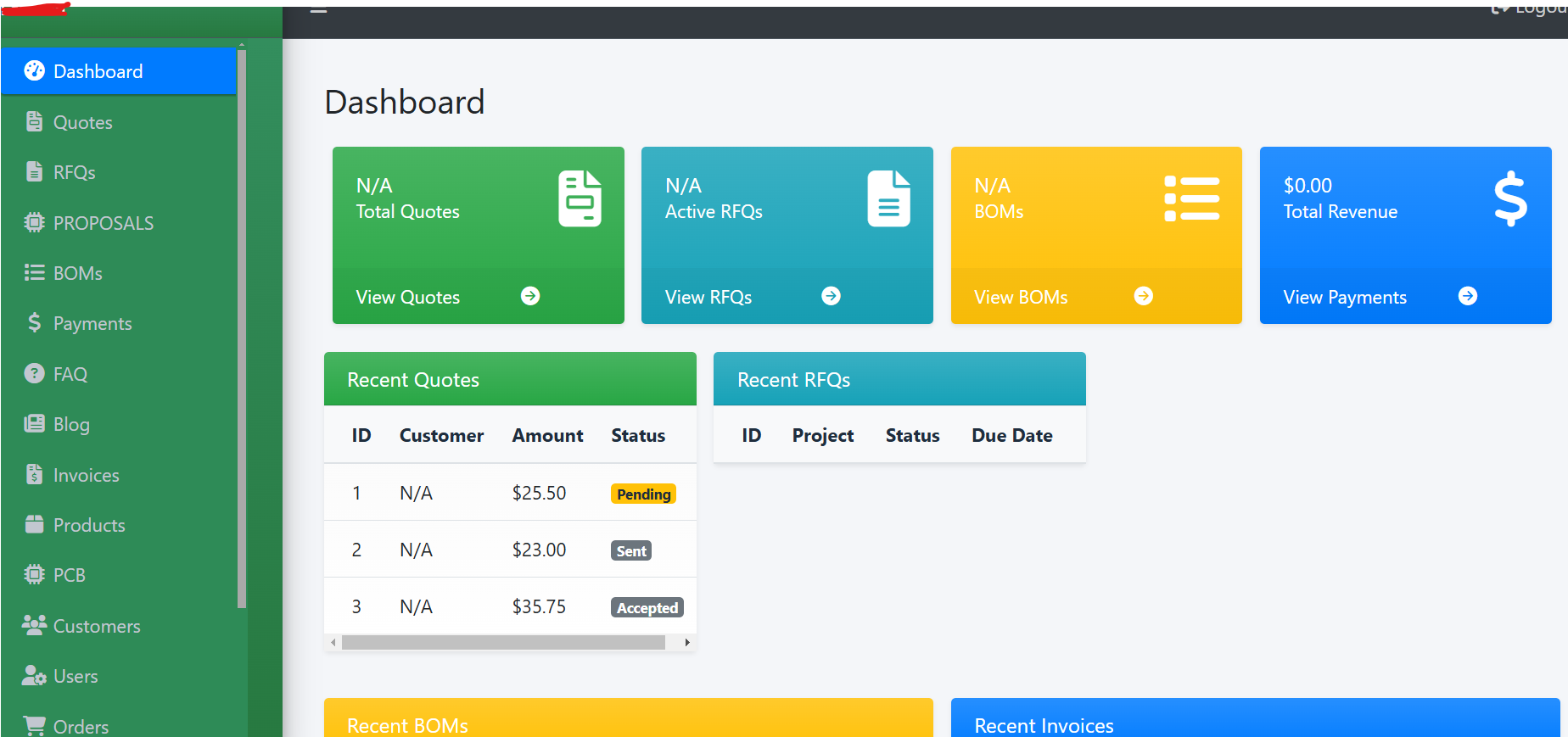
What this page is: A concept demo we designed in-house to explore this problem space. It is not a client project.
This is a self-built concept demo of an internal, ERP-style operations dashboard — not a client project, and no real business data sits behind it. Internal tools live or die on navigation: this explores organising many modules (inventory, orders, reporting) without burying any of them, and showing only what a given role is permitted to act on.
What the demo works through
- A module navigation structure that stays flat rather than nesting menus three levels deep — internal tools accumulate features over years, and menu depth is usually where that shows first
- Dense data tables that stay scannable: sortable columns, sensible defaults, and enough white space between rows that a 40-row table doesn't blur into itself
- Permission-aware views, where a warehouse role and a finance role see different modules and different actions from the same underlying system, rather than one interface with everything visible and access control enforced only on the buttons
- A reporting section built around a handful of views people actually check daily, instead of a report-builder that can technically produce anything but that nobody uses
Internal software gets a fraction of the design attention customer-facing software gets, even though people spend entire working days inside it — this demo was an exercise in applying the same navigation and information-density discipline to a back-office tool that a storefront or a marketing site would normally get.
We build this class of internal tooling as part of admin panels for LMS platforms — enrolment management, reporting, and role-scoped access for institutes running multiple cohorts, where an admin, an instructor and a learner all need a different view of the same course data.
This kind of interface rarely gets redesigned once it's live, because it's never the priority next to customer-facing work — which is exactly why it's worth getting the navigation and permission model right the first time, before years of features accrete on top of it.
Need an internal dashboard that scales past one team? Discuss your project.
Planning something similar?
Tell us about your training content or course idea, and we’ll map the fastest route to a real learning platform.
Book a Free LMS Consultation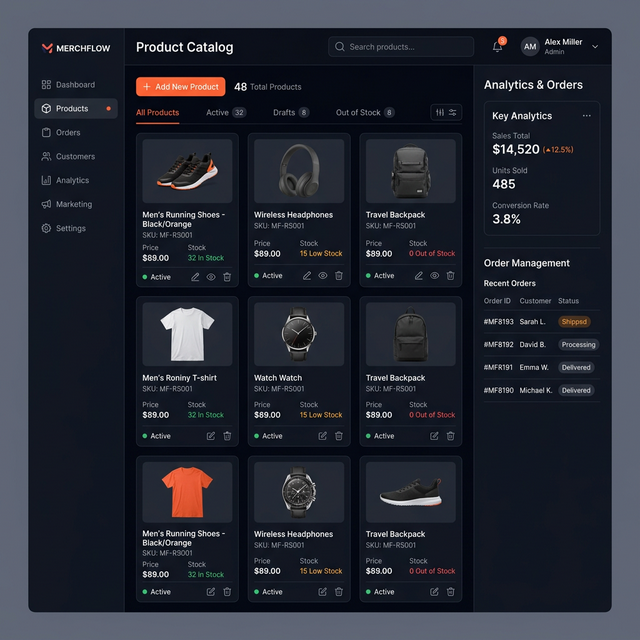
Retail & Commerce UI — Concept Demo
A self-built concept demo of a retail storefront — product grid, filtering, cart and checkout — not a client project, no real inventory or payments behind it.
Read case study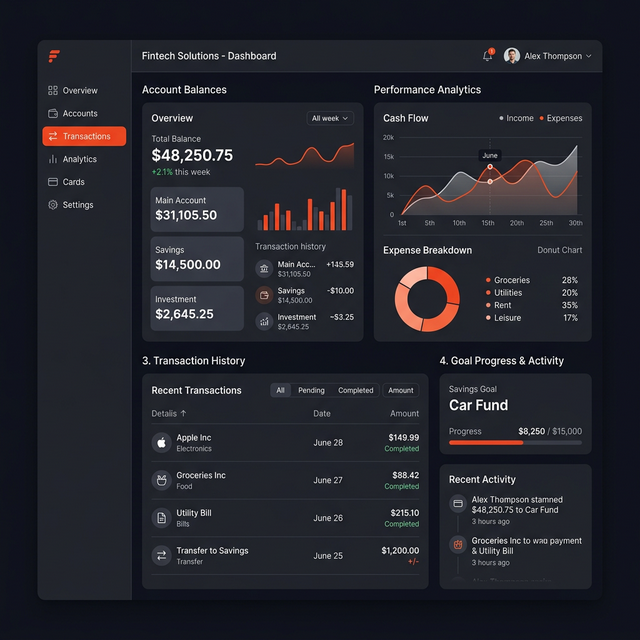
Healthcare Dashboard — Concept Demo
A self-built concept demo of a clinical admin dashboard — dense patient and scheduling data made scannable — not a client project, no real patient data involved.
Read case study
Learning Platform UI — Concept Demo
An early self-built concept demo of course navigation and progress UI — superseded by our real LMS work on Pragyanta, kept here for the interface-design record.
Read case study